557h App — Play Cricket Bets & Casino on Any Android Phone
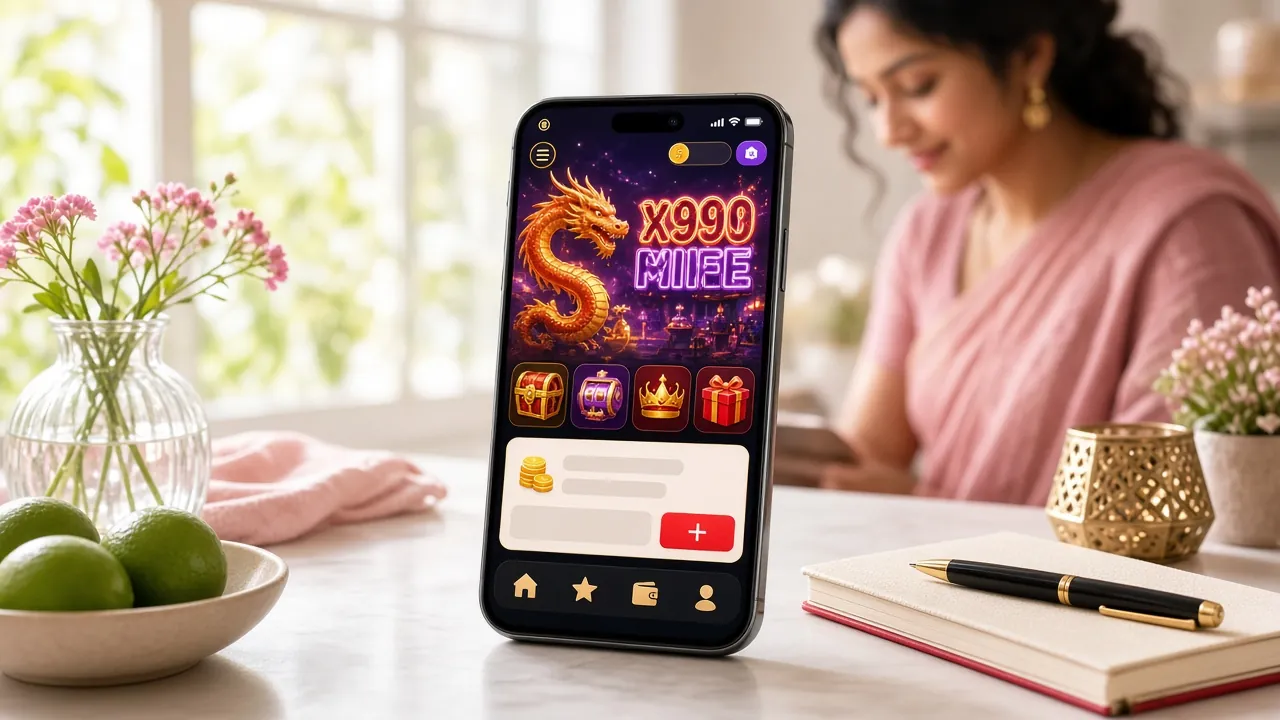
The 557h App brings slots, live casino, crash games, and IPL / BPL cricket betting to your pocket. Free to download, works on Android 7.0 and above, and installs in under two minutes. No Play Store needed — just download the APK directly.
Android 7.0+ · 557h.apk — 32 MB · v3.3.9 · Free
- 18+ Only
- SSL Encrypted
- 24/7 Support
- bKash & Nagad
App vs. Browser: What You Get on Mobile
You can play 557h from any browser, but the dedicated app gives you a noticeably faster and smoother experience. Here is an honest side-by-side comparison so you know what to expect before you download.
Both options give you access to the full game library of over 2,400 titles. The app simply removes friction from everyday play.
Six Things the App Does Well
The 557h App is built around how people in Bangladesh actually play — on mobile data, during cricket matches, with bKash ready to go. These six strengths set it apart from a generic mobile site.
Cricket Betting — BPL & IPL
Place bets on T20, ODI, and Test matches as the action happens. The app streams live odds and lets you add selections in seconds. Pre-match and in-play markets update in real time so you never miss a run-rate swing that changes the price.
Crash & Instant Games
Crash titles like Aviator and Space Max from Spribe run without lag on mid-range Android phones. The multiplier graph is smooth, and you can cash out with a single tap before the graph crashes. Minimum bet starts at ৳1 — ideal if you are learning the timing.
Live Casino with Real Dealers
Roulette, baccarat, Teen Patti, and Dragon Tiger rooms stream in HD through the app. Playtech and Pragmatic Play studios keep tables open around the clock. The chat feature works smoothly on a standard 4G connection, and the dealer view switches to portrait automatically.
Over 2,400 Slot Titles
The full 557h Casino slot library — including Fortune Dragon, Genie 3 Wishes, and Mahjong Ways 2 — is available inside the app. Filter by provider (Habanero, Red Tiger, JDB, KA Gaming) or sort by RTP to find games above 97% return before you spin.
Match & Promo Alerts
Enable notifications once after installing and the app will push you a reminder before major cricket matches, reload bonus deadlines, and withdrawal confirmations. You can choose which alert categories to keep on. Notifications work even when the app is running in the background on lower-end devices.
Scan to download on Android
Download the 557h App — Free APK
The app is a direct APK download — no app store, no account needed to install. Once it is on your phone, log in with your 557h account or register in about two minutes.
- File: 557h.apk — 32 MB, free to download and install forever
- Version 3.3.9, last updated 3 November 2026
- Runs on Android 7.0 and higher — covers most phones sold in Bangladesh since 2017
- Supports English and Bangla interface language — switch any time in Settings
Android APK Installation — Step by Step
Installing an APK outside the Play Store takes about two minutes if you follow these steps in order. The "unknown sources" setting is a standard Android feature — it is safe to enable for this download.
-
1
Allow Installation from Unknown Sources
Go to Settings → Security (or Privacy on some phones) and turn on Install unknown apps. On Android 8.0 and above, you enable this per-app: open your browser or file manager, then allow it to install APKs. You can turn this back off after installation finishes. This step is required for any APK you download outside the Play Store — it does not affect other apps.
-
2
Download the 557h APK File
Tap the Download APK button on this page. Your browser will save 557h.apk (32 MB) to your Downloads folder. Make sure you are on Wi-Fi or a stable mobile data connection — a dropped download can corrupt the file and you will need to start again. The download usually finishes in under 30 seconds on a normal 4G connection.
-
3
Open the APK and Tap Install
Pull down your notification shade and tap the completed download notification, or open your Files / File Manager app and navigate to the Downloads folder. Tap 557h.apk. Android shows you the permissions the app needs — review them, then tap Install. The process takes about 10–15 seconds. Do not close the screen while it installs.
-
4
Open the App and Log In
Once installation finishes, tap Open. If you already have a 557h account, enter your username and password on the login screen — your balance and betting history carry over automatically. If you are new, tap Register inside the app (takes about 2 minutes) to set up your account and claim the welcome bonus on your first deposit via bKash or Nagad.
-
5
Enable Notifications (Optional but Recommended)
After logging in, the app will ask to send you notifications. Tap Allow. You will get alerts for match start times, live odds changes on the cricket games you have bookmarked, reload bonus windows, and withdrawal confirmations. If you change your mind, go to Android Settings → Apps → 557h → Notifications and adjust each category individually.
iOS Users: Add to Home Screen
There is no 557h iOS app in the App Store. iPhone and iPad users can get a near-app experience by adding the website to their home screen as a Progressive Web App.
Safari is required for this to work on iOS. Chrome and Firefox on iPhone do not support the full-screen home screen shortcut.
Download & File Details
557h.apk
Version 3.3.9 · 32 MB · Android 7.0+ · Updated 3 Nov 2026 · Free
Everything in the 557h Casino and sportsbook is available inside the app. These are two of the most-played games on mobile right now:


Security & Permissions Explained
The 557h App requests only the permissions it genuinely needs. Here is what each permission is for, and what the app will never ask for.
SSL Encryption on Every Connection
All data between the app and our servers travels over TLS 1.3. Your login credentials, deposit amounts, and betting history are encrypted end-to-end. The app will refuse to connect if it detects a man-in-the-middle proxy, which protects you on public Wi-Fi networks in cafés and airports.
Internet Access — Required
The app needs internet permission to load game content, place bets, and process bKash/Nagad payments. This is the only permission required to run the core features. It does not request Bluetooth, microphone, camera, contacts, or call logs. You can verify this in Android Settings after installation.
Notifications — Optional
Android asks you to grant notification permission the first time the app tries to send an alert. If you tap Deny, the app continues to work normally — you just will not receive match reminders or bonus alerts. You can grant or revoke this permission later in Android Settings without reinstalling the app.
APK Source Verification
Only download 557h.apk from this page at 557h.ws/557h-app/. Third-party APK mirror sites may bundle modified versions. The official file is 32 MB — if a download you find elsewhere is smaller or larger by more than 1 MB, do not install it. Our support team at [email protected] can confirm the current SHA-256 checksum on request.
System Requirements & Version Info
Most Android phones sold in Bangladesh since 2017 meet these requirements. If your phone runs Android 7.0 or above, the app will install.
Common Install Problems & How to Fix Them
Most installation failures come from one of five predictable causes. Check this table before contacting support — nine out of ten issues are solved in under a minute.
Still stuck? Contact [email protected] or use the 24/7 Live Chat inside the app — our team responds in minutes.
Frequently Asked Questions
Answers to the questions players in Bangladesh ask most often about the 557h App before and after installing it.
Is the 557h APK safe to install?
Do I need a 557h account before downloading the app?
How do I update to a newer version of the app?
Why does Android warn me about installing from unknown sources?
Can I deposit via bKash inside the app?
Does the 557h App work on iPhone or iPad?
What happens to my account if I uninstall and reinstall the app?
Related Guides
Once the app is installed, these pages cover what you need next.
Questions about depositing? See the 557h Deposit Guide for step-by-step bKash and Nagad instructions.